Athlete Roster & Detail
Source: src/app/(app)/coach/page.tsx, coach/athlete/[athleteId]/page.tsx
What You See
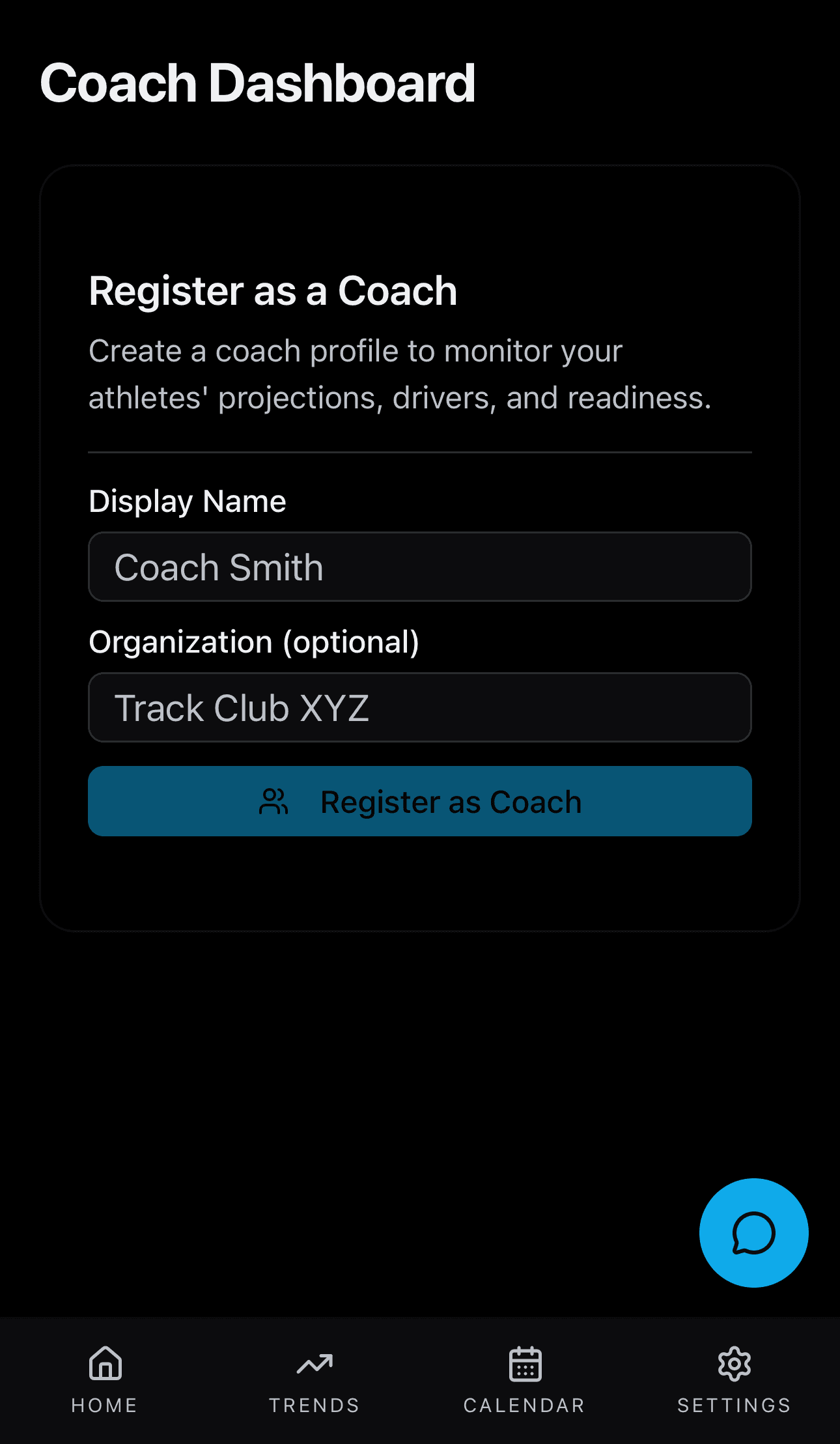
A list of athlete cards. Each card shows the athlete's name, their projected time, a readiness score badge, and a trend indicator. An 'Invite' button opens a popup where you can add a new athlete by email. Tapping an athlete card opens their detail page showing that athlete's projection, readiness, and recent training trends.
How the Numbers Work
The coach sees the same projection and readiness data that each athlete sees on their own dashboard. The data is loaded using the coach's access permissions. Inviting an athlete sends them an email asking them to grant access to their data.
Step by Step
The Coach page requests a roster of linked athletes. For each athlete, the backend returns the same projection bundle (midpoint, range, improvement, readiness, drivers) that the athlete sees on their own dashboard -- the data comes from the same projection engine, readiness engine, and driver service. The coach's access token is validated against the coach-athlete link table to ensure permission. Tapping an athlete loads their full detail page with fresh data. No separate calculations run for the coach view -- it reads the same stored projections as the athlete.