Onboarding
Onboarding Wizard
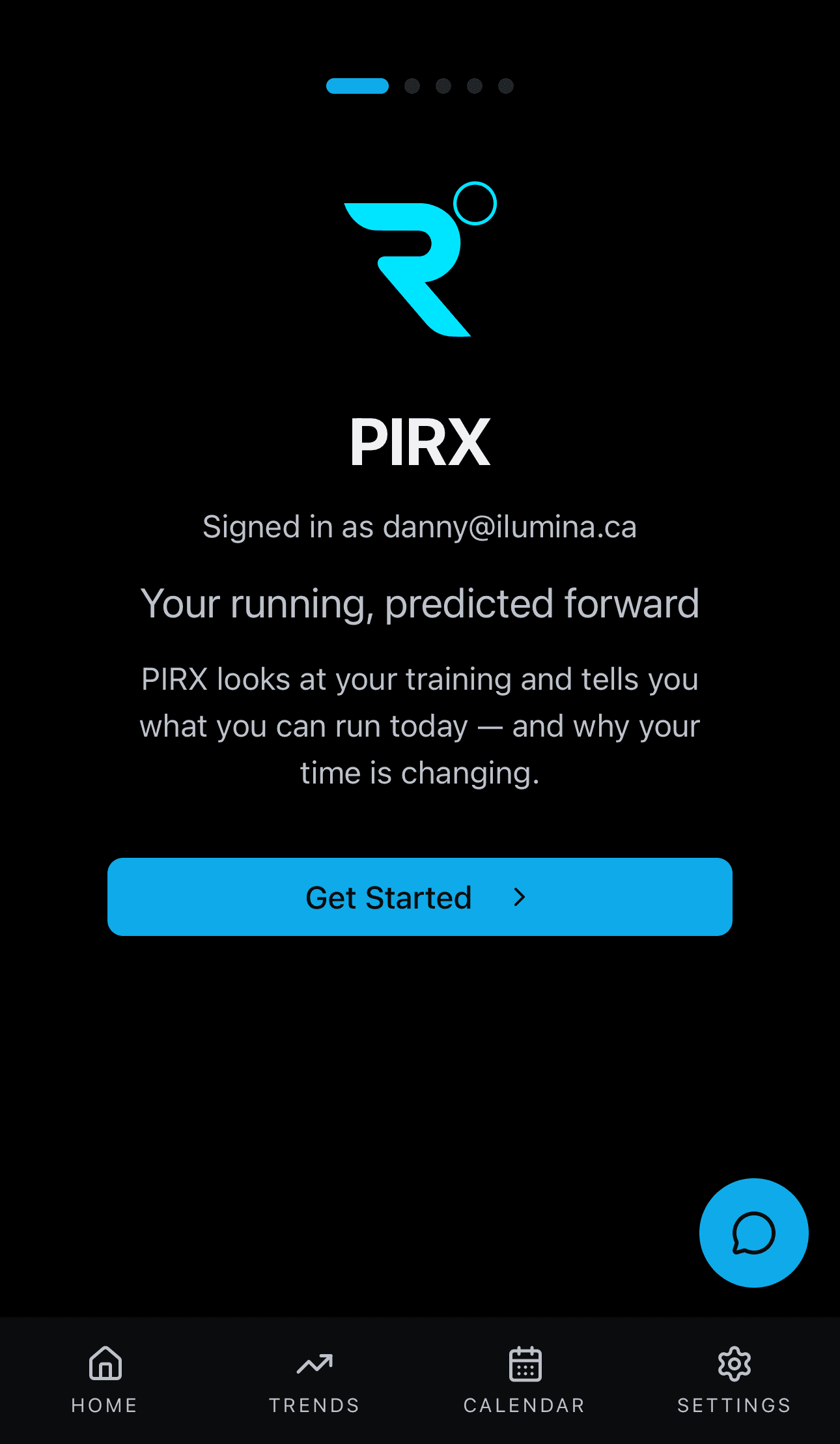
Source: src/app/(app)/onboarding/[step]/page.tsx
What You See
A 5-step wizard with animated transitions. The wizard connects your wearable, selects your training sports, and explains how PIRX projections work before sending you to the dashboard.
Steps
| Step | Screen | What Happens |
|---|---|---|
| 1 | Welcome | PIRX branding, tagline, signed-in email confirmation, "Get Started" CTA |
| 2 | Connect Wearable | Shows 7 supported providers (Garmin, Fitbit, COROS, Polar, Suunto, WHOOP, Oura). Tapping a provider opens the Terra OAuth widget. Users can skip if they want to connect later. |
| 3 | Sport Selection | 2x3 grid of sports. Running is locked as primary. Users toggle additional sports (cycling, swimming, trail running, nordic skiing, hiking) for cross-training recognition. Saves to profile sport_profile and feature_flags. |
| 4 | Sync & Analysis | Animated progress bar with status messages. Polls /sync/status to track connection state. Auto-advances after ~15 seconds. |
| 5 | How It Works | Education screen explaining how projections build over time, why the range starts wide, and that 2-3 weeks of training data produces dialed-in numbers. Final CTA goes to dashboard. |
Why No Baseline or Projection Reveal
Terra's wearable data delivery takes time after the initial OAuth connection. Baseline detection and projection generation require activity history that won't be available during onboarding. These run automatically via the background pipeline once data arrives. The dashboard handles the "waiting for data" state gracefully.